5–minute Quickstart
In the Chartroom menu select Entries, then New entries sheet.
You will need to authorise the script.
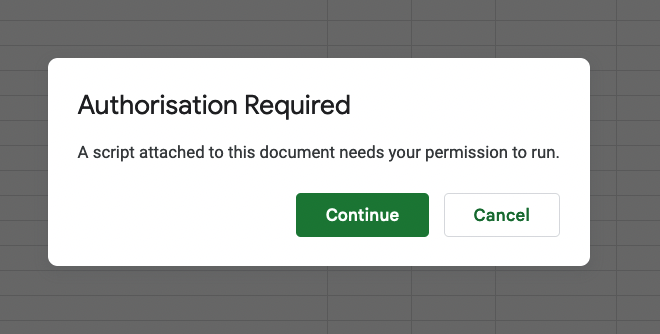 Select Continue, then your userid. If you can click Allow do so; if not don't be alarmed to see this:
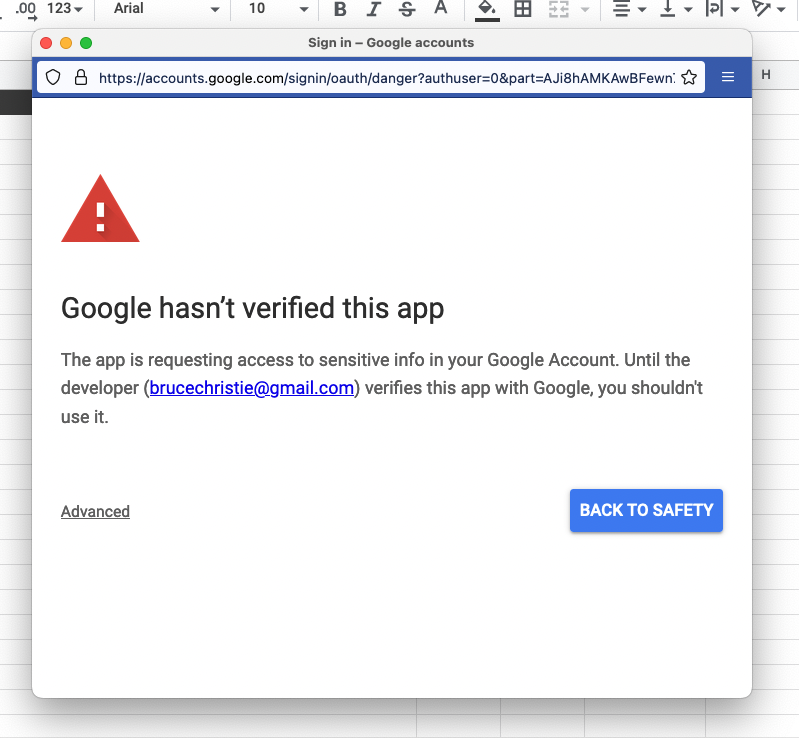 Click Advanced.
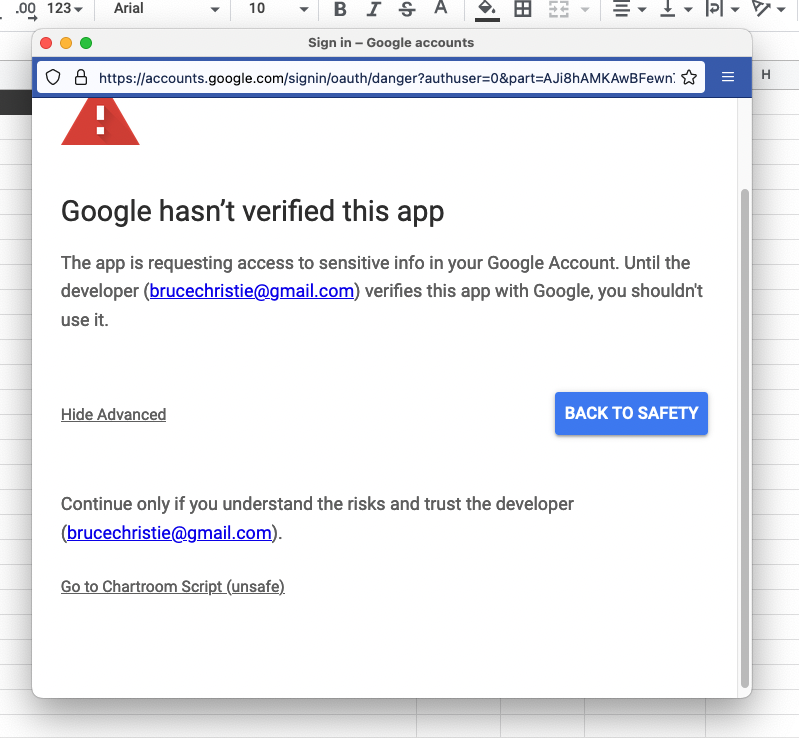 Click "Go to Chartroom Script (unsafe). Rest assured Chartroom is not unsafe!
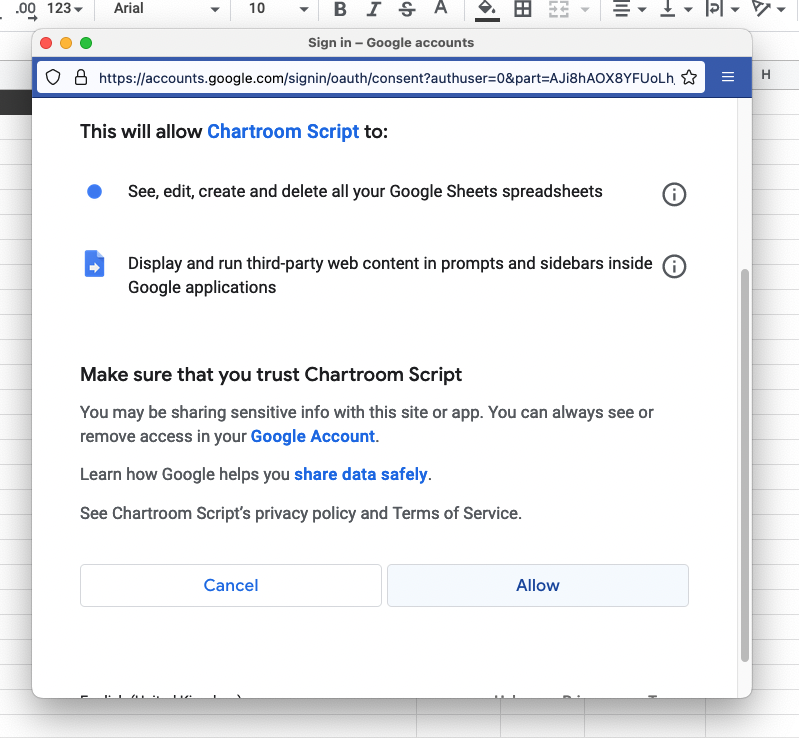 Then go Select All and Continue
Finally Click Allow.
Then go Select All and Continue
Finally Click Allow.
In the Chartroom menu select Entries, then New entries sheet again.
Give it a name e.g. Champ Pairs.
An Entries sheet is created with the name Champ Pairs Entries.
In the Chartroom menu select Entries, then Get sample entries.
To get 26 pairs teams enter 26p.
In the Entries menu click Initialise pool play.
Chartroom creates your pool play sheet with the same name as the Entries sheet, and with default pool policy. You will see 2 pools, one of 14 and one of 12.
You will see 3 rounds each with a grey column of numbers representing rinks or mats, and a column to enter scores. Don't change the formatting in these columns.
Start entering scores for Pool 1 Round 1. Either enter scores like 17-9 or enter r1 to generate random scores for that round.
Continue entering scores for both pools and all 3 rounds.
To qualify, players need 2 wins from 3 games. Note the number of qualifiers.
In the Chartroom menu select Lives play then Initialise qualifiers above.
Chartroom creates a Lives play section above the Pool play using the default lives policy, which is 1-life knockout.
Byes are allocated in Round 1 to reduce the field to an even power of 2.
Enter scores for all games in round 1. Byes have an automatic win.
Click anywhere in the body of Section 1, then in the Lives play menu select Advance section.
Continue entering scores and advancing the section until you reach the final.
Score the final so that the topmost player loses.
Click anywhere on the winner's row and click Lives Play > Float winner in the menu.
Congratulations, you have completed your first Chartroom event. Your sheet should look something like this.
